The app your people would open every day.
Below are the real screens of the member app. After them comes a straight account of what a leader sees, what our staff can reach, and what your name looks like on the outside. Nothing here is a mockup.
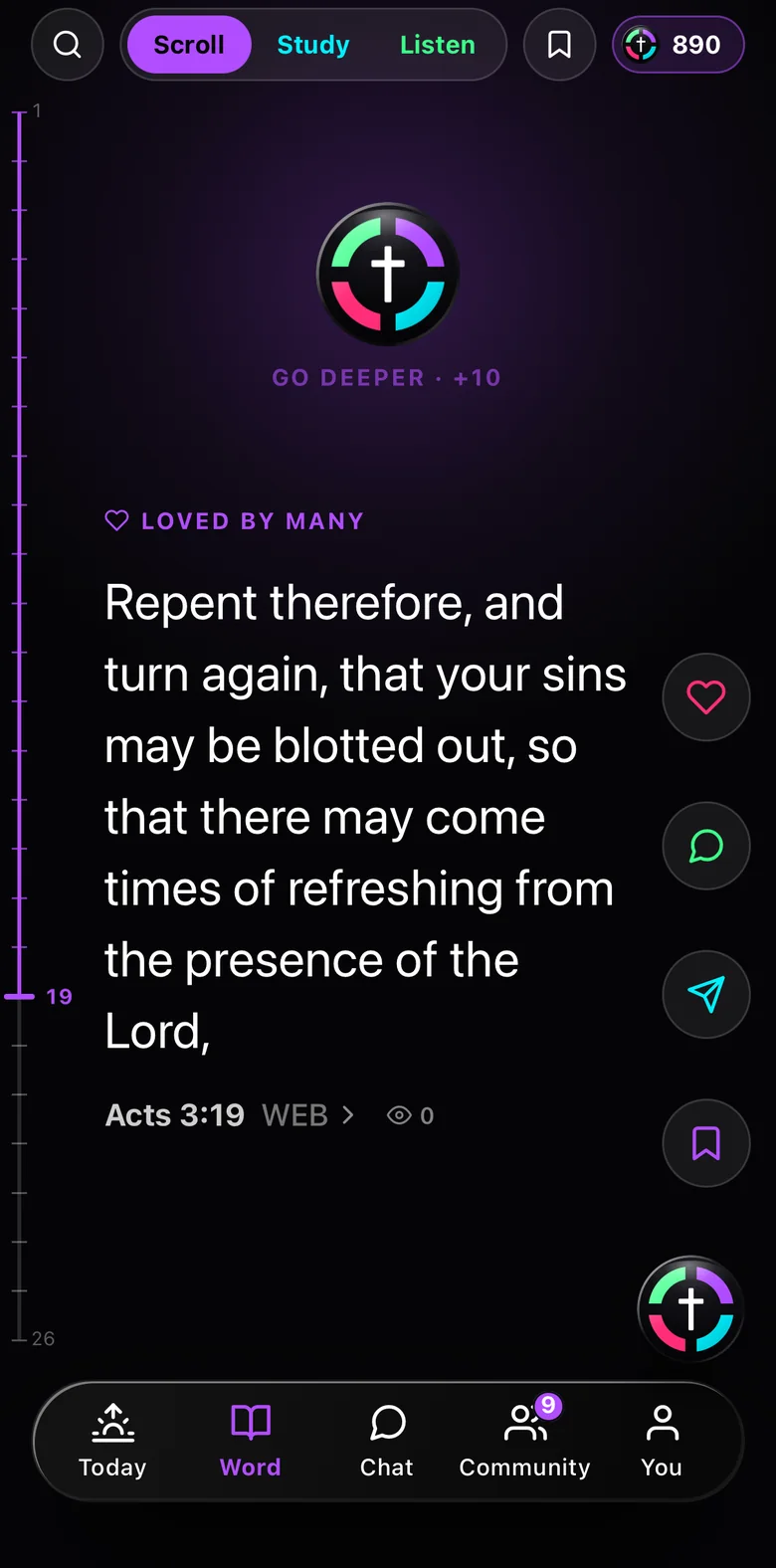
What a member opens, under your name.
Every phone below is a real capture of the app as it runs today, not a picture of what we hope to build.
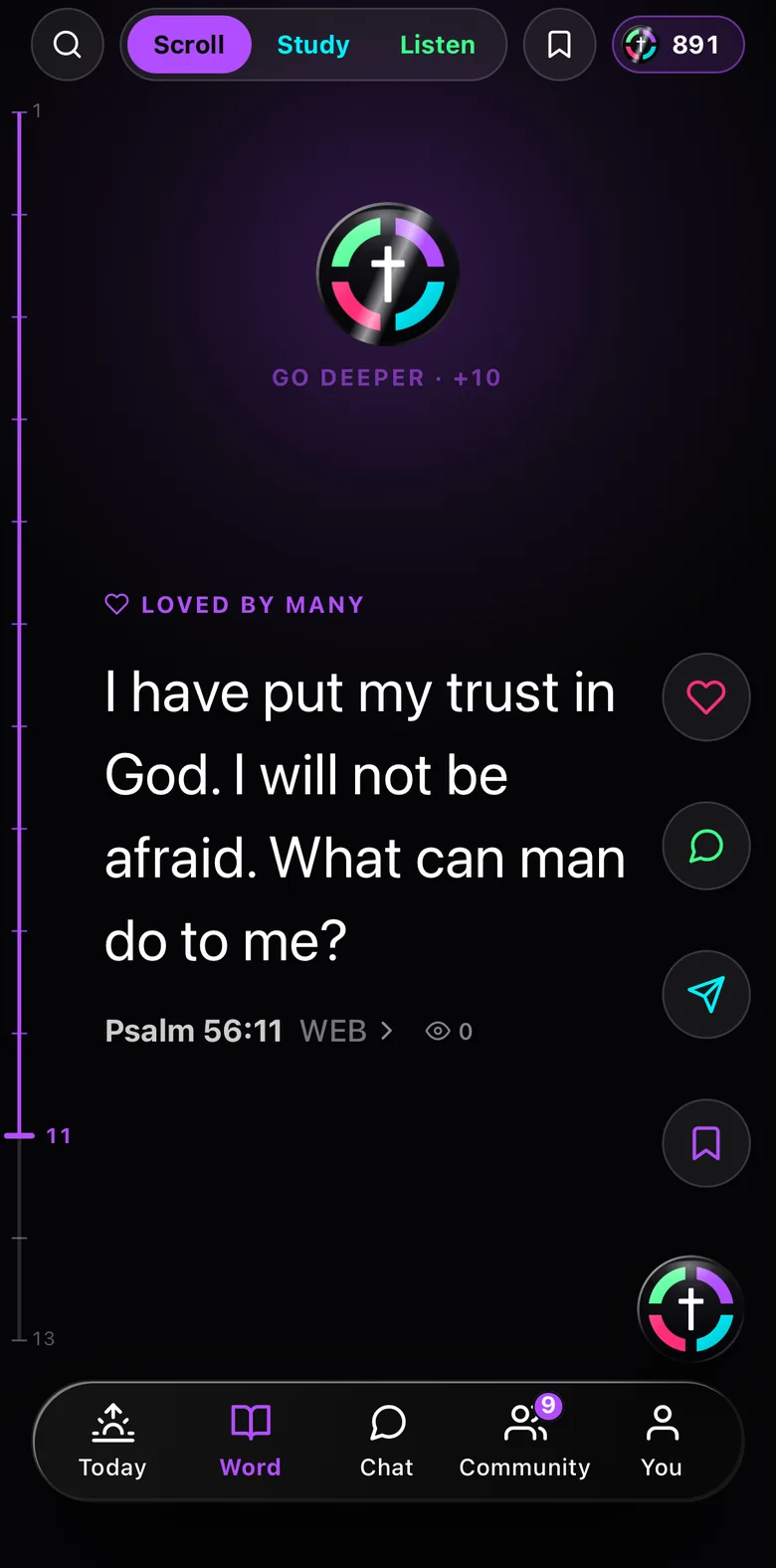
The Word
A feed of Scripture rather than a reading plan nobody finishes. Three seconds on a verse counts it.
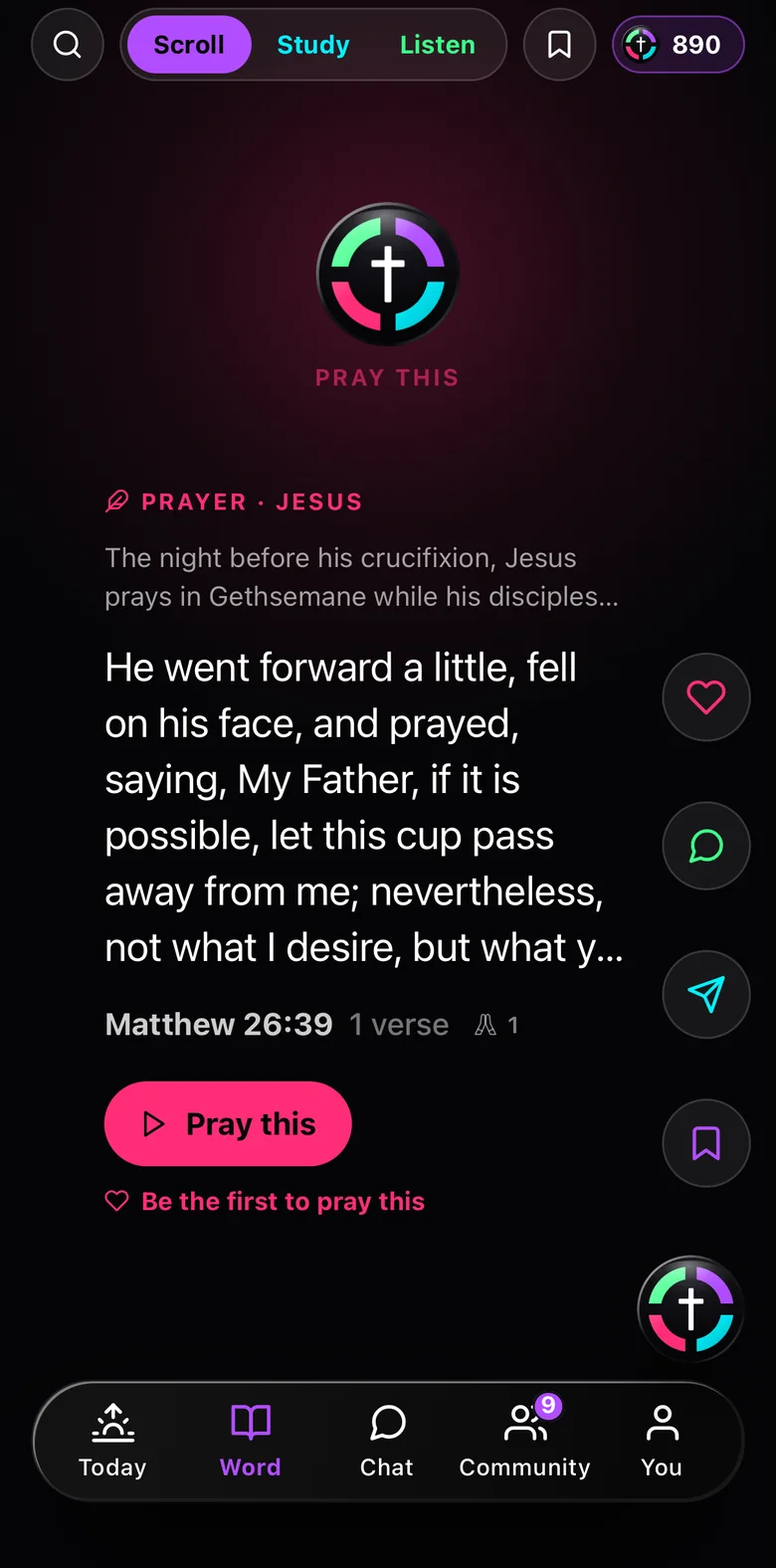
Prayer
The prayers of the Bible, in words a person can say out loud, with one button to pray it.
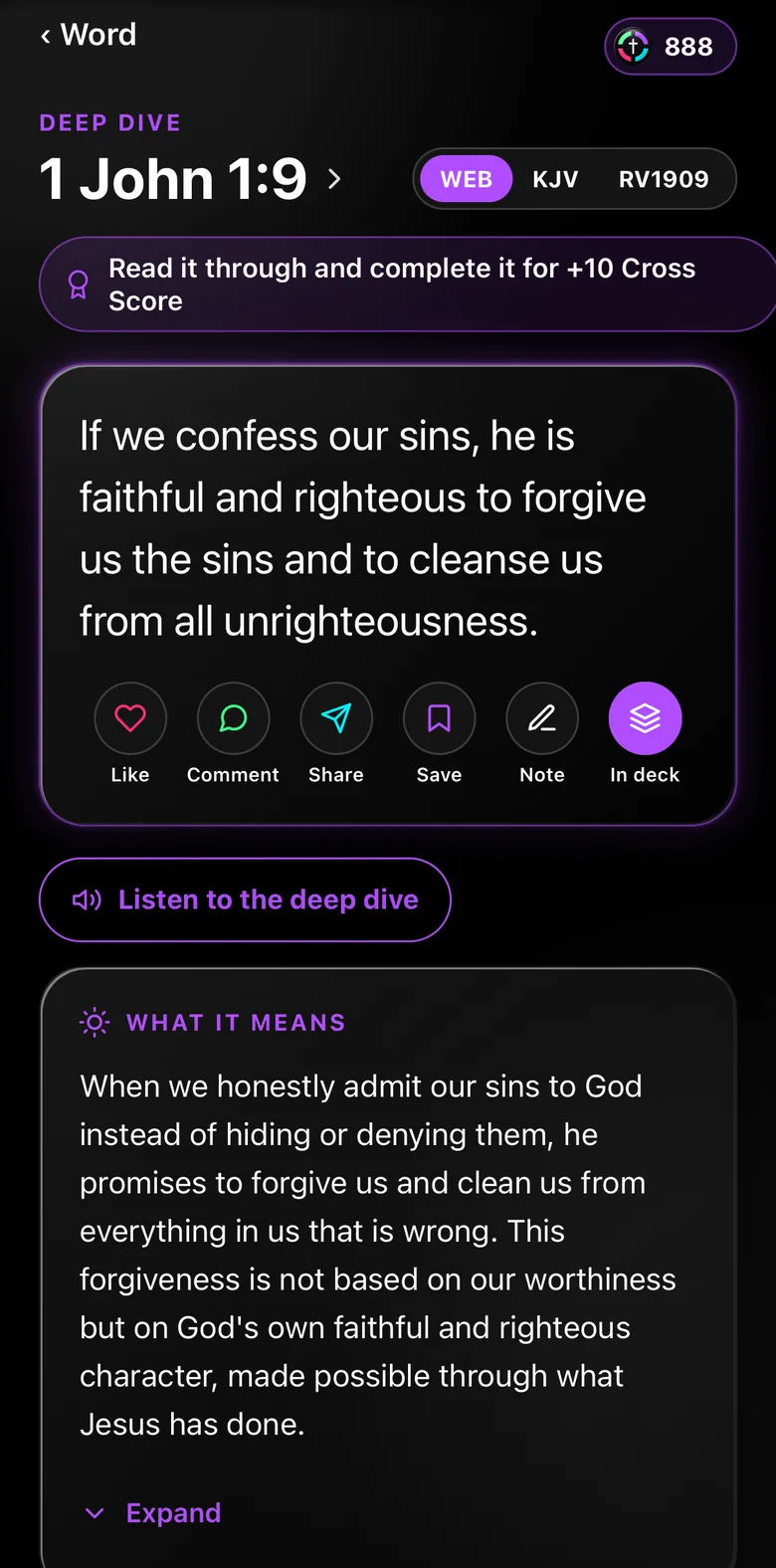
The deep dive
What a verse meant then, what it asks now, and the whole chapter one tap away.
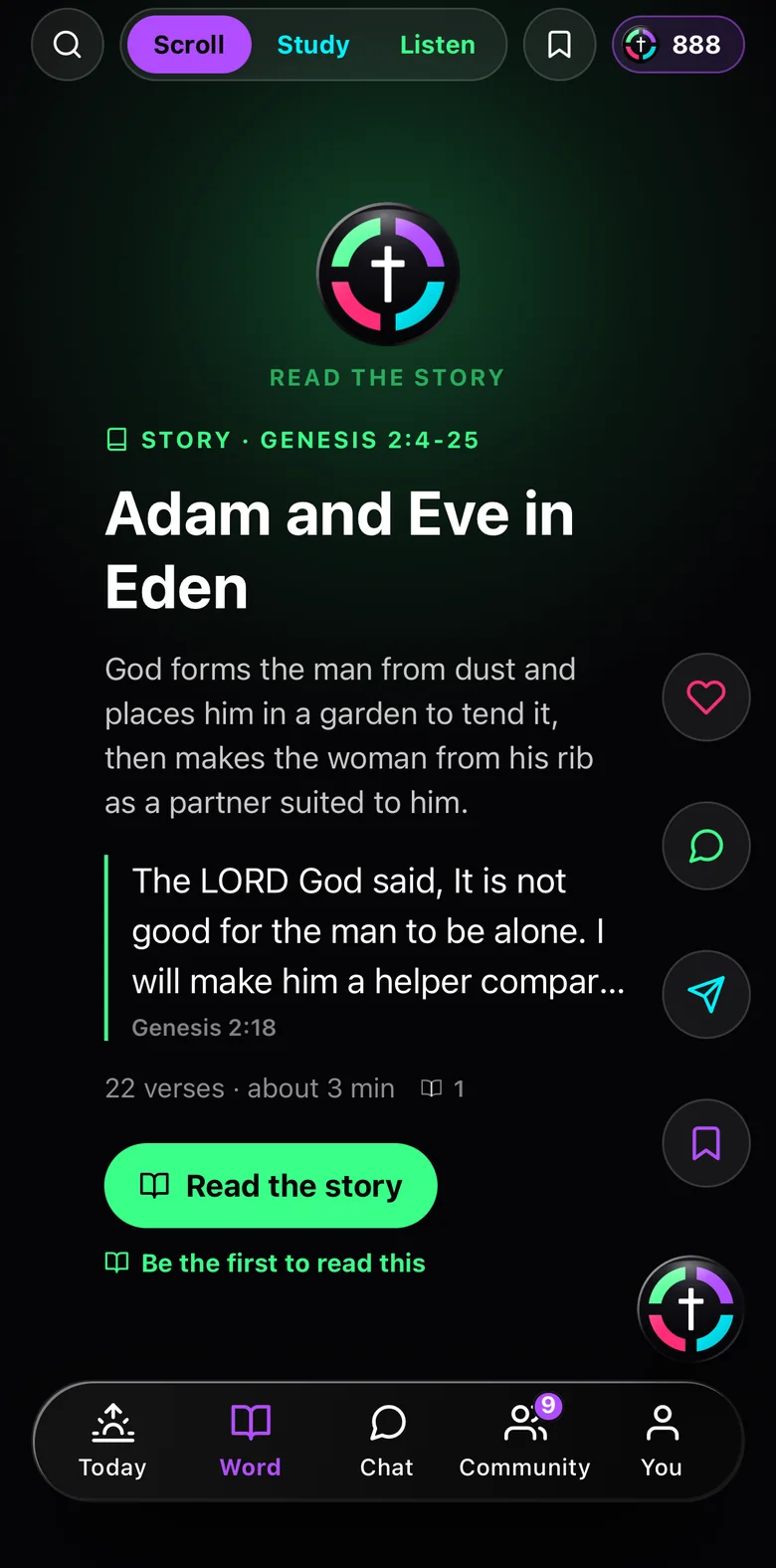
The narratives
The stories of the Bible, told the whole way through rather than in fragments.
Four accounts, closed by doing the day’s actual work.
Four parts of a life, each closed or still open, counted honestly. A missed day costs the streak and nothing else. Nothing in the app shames anyone for it.
Spirit
Time with God, in the Word and in prayer.
Body
What a member does with the body they were given.
Relationships
The people they owe a conversation.
Resources
What they steward, and who it serves.
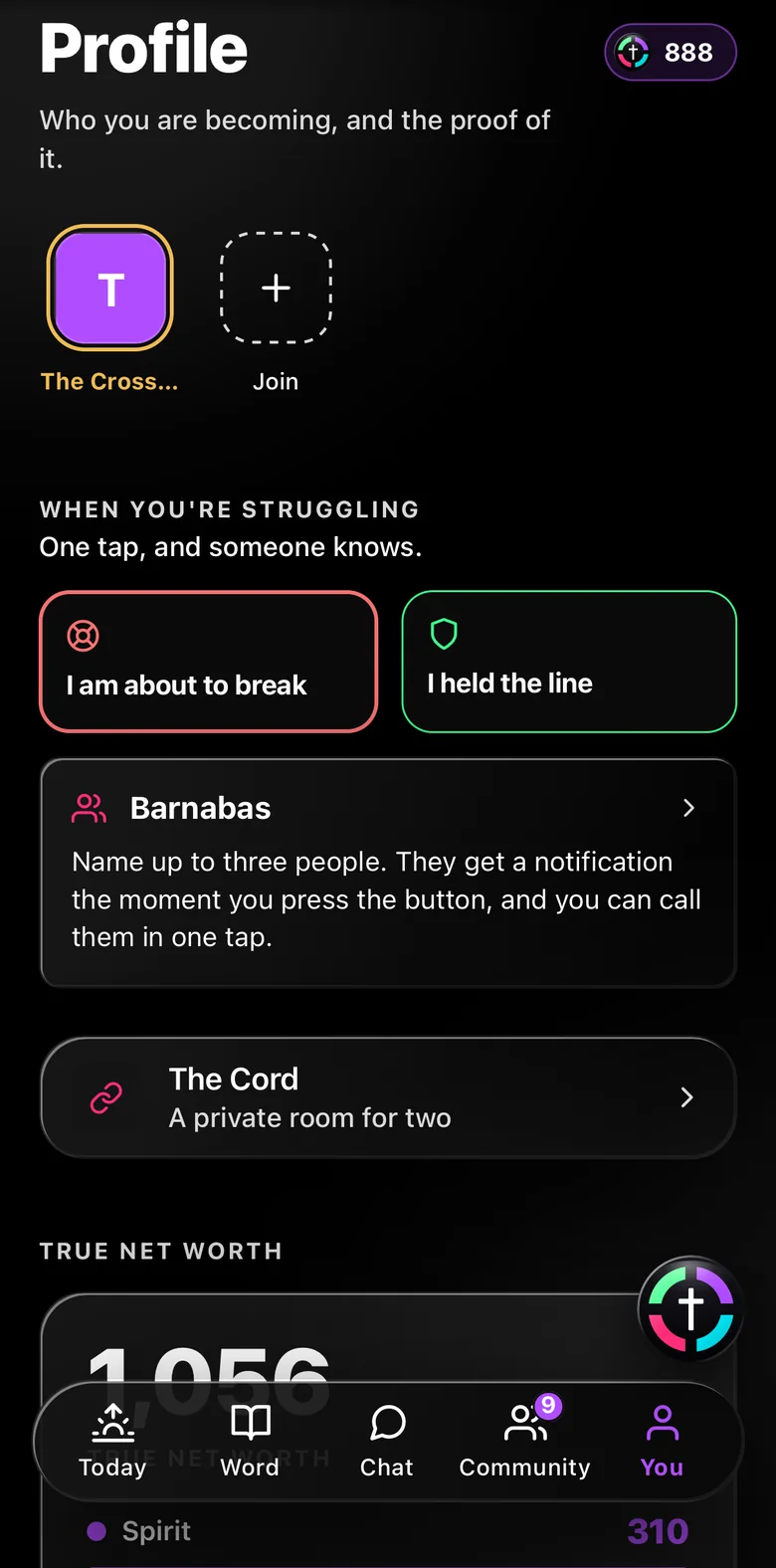
One tap, and someone a member chose knows.
Every member can name up to three people they trust. When they tap, those people get a notification and their number, and the member can see who was told.
This is a way to reach the people already in someone’s life. It is not a counseling or crisis service and does not stand in for one. The app says so on the screen itself, before the message, not in a footer.
What a leader can do in the console.
We show only screens we can capture from the running app, so here is what the console does, in plain words. It is the same console at every tier. Only whose name is in the corner changes.
Roster and engagement
Who joined, who is active, and who has gone quiet, across every group.
The slipping list
Named people, sent to the leader who should call them, each marked open, assigned or contacted.
Challenge builder
Set a challenge's type, length, phases and disciplines from a form. Nobody writes code.
Content editor
Day by day: the scripture reference, the teaching, the morning ask and the evening examen.
Broadcast
One message, to everyone, to one challenge, or to one group, with an open rate beside it.
Moderation
Flagged chat and prayer posts, each with the reason it was flagged, and two buttons.
The Pulse
Everything the community wrote this week, ranked.
Reflections, prayers and messages, gathered and ranked, then turned into a short list of things to actually do.
A report tells a leader how last week went. This tells them what to do about it today.
Drawn, not real data
- Open crisis alertsAct today
- Theme climbing this weekDraft a word
- Voices going quietFlag their leader
- Prayers answeredShare it
Same console. Your name where theirs is.
Here are two real communities on it right now. Each has its own name, its own mark and its own colours.
On the Branded tier your logo, your colours, and your subdomain go on. On Dedicated App your name goes on the store listing too, and The Cross is never named anywhere your members can see it. See what changes at each tier on pricing.
What our own staff can reach, and the log they cannot switch off.
We run The Cross from one more console, above every community. You should know what we can reach from it, so here it is, in plain words.
Our staff roles
- OwnerEvery community, every setting, the audit log itself
- SupportAccount and billing questions, never member authored content
- AdminModeration queues and the health of the service, limited to the role and logged
Support can never open what a member wrote. Every staff read of member content is recorded, with the reason given, in a log that can only be added to. The log has no update policy and no delete policy, and database triggers refuse both. It cannot be edited or switched off from this console or any other.
A group takes about a minute to exist.
A member who finishes something usually wants to lead it next. That path is inside the app, not a sales conversation: name it, say who it is for, and invite people with its own link. A new group gets its own feed, its own tables, and its own studies, with the daily walk and the written challenges already inside it.
Every community is its own way in: people join through the community's own link or code, and there is no public list to browse. Nothing written in one community is visible from another. The database enforces that, not just the screens.
We tell your members the truth before they write anything.
What a member writes is stored on our servers. Our staff can read it, and every access is logged with a reason. A group leader sees that a member showed up and how they are doing.
That is not marketing copy written for this page. It is the same sentence a member reads before they type a word, and it is not softened here and will not be softened inside your community either. A leader cannot read what members write in their journals. That is enforced in the database.
You have now seen most of it.
The fastest way to judge the rest is to open a group and put one person in it.